How to Play Hollow Knight on Android Safely in 2026
There is no official Hollow Knight or Silksong APK -- every third-party APK is pirated or malware. Six legal ways to play both games on Android in 2026, with performance and security trade-offs.
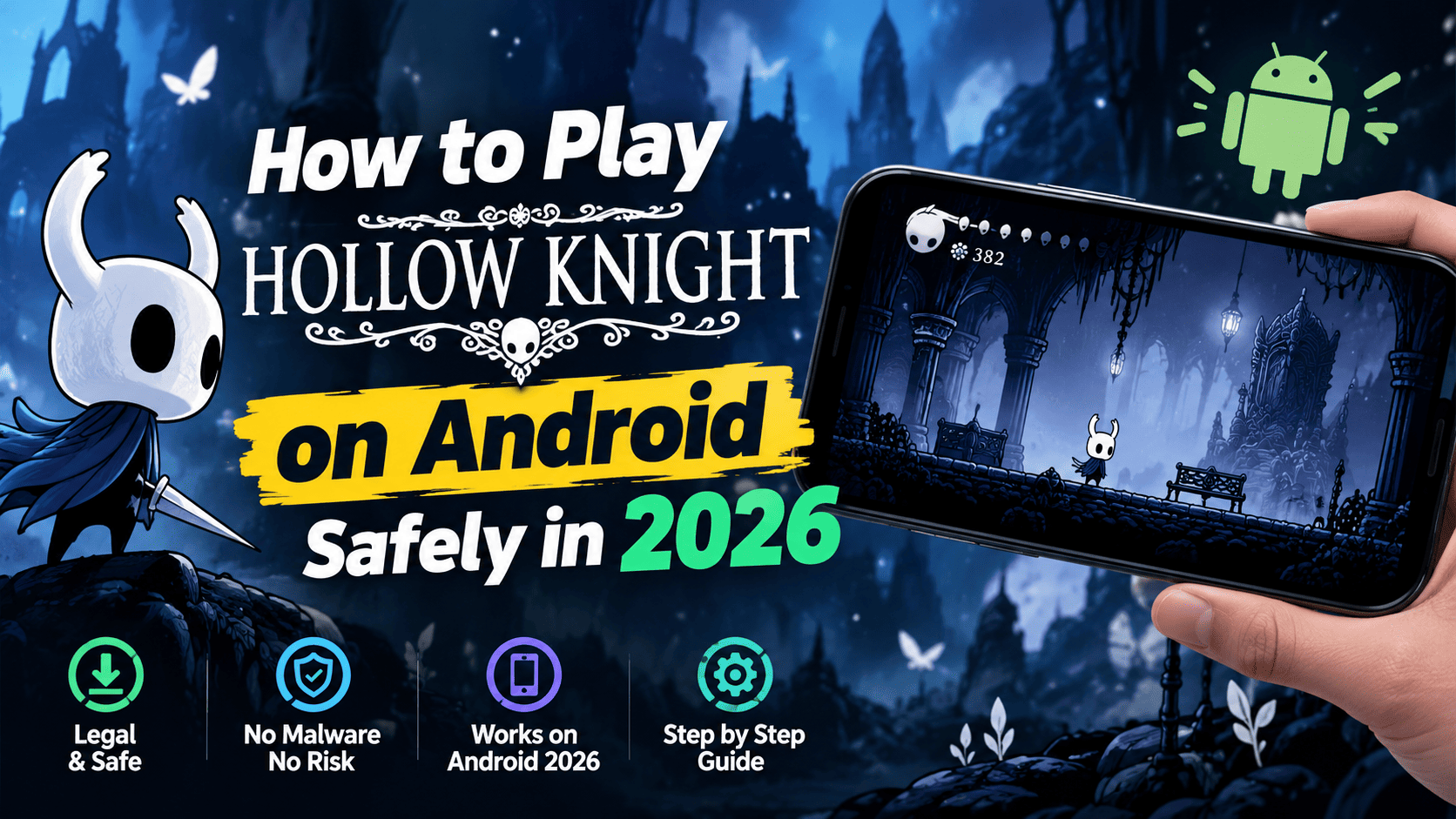
How to Play Hollow Knight on Android Safely in 2026
There is no official Hollow Knight app on Google Play and there never will be — Team Cherry has never released a mobile port of either Hollow Knight or Silksong. Every "Hollow Knight APK" you find on a download site is either pirated or malware. The good news is that you can play both games legally on your Android phone or tablet in 2026 using Windows emulation, local streaming, or cloud gaming — this guide covers all six working methods with the security and performance trade-offs of each.
Quick Answer: The 3 Safest Ways
- GameHub 5.0 (by GameSir) — runs your own Steam or GOG library on Android with Steam Cloud save sync. Easiest setup, officially on Google Play
- GameNative — open-source alternative with Steam Cloud support and microSD support, no account required
- Local streaming — Steam Link, Moonlight or Razer Nexus stream from your own PC. Needs no monthly fee and runs better than emulation
Never install a third-party "Hollow Knight APK." No legitimate one exists.
There Is No Official Mobile Version
This is the fact most important to establish before anything else. Team Cherry is a small Adelaide studio that has never committed to mobile, for both Hollow Knight and its sequel:
| Game | Official platforms | Android / iOS |
|---|---|---|
| Hollow Knight (2017) | Windows, macOS, Linux, Switch, Switch 2, PS4, PS5, Xbox One, Xbox Series X|S, eShop | None |
| Hollow Knight: Silksong (2025) | Windows, macOS, Linux, Switch, Switch 2, PS4, PS5, Xbox One, Xbox Series X|S, Steam, GOG, Humble | None |
Neither Steam nor GOG lists Android or iOS as a supported operating system for either title. Team Cherry has never mentioned a mobile port in any announcement, and industry analysis attributes this to the studio's preference for control over scope on a small team. If you search the Play Store and find "Hollow Knight," you are looking at third-party companion-guide apps, not the game — and their own descriptions state they are independent and not endorsed by Team Cherry.
Why Fake APKs Are Everywhere
Search volume for "Hollow Knight APK" and "Silksong APK" is enormous, and that demand has been answered almost entirely by malware operations. The pattern is consistent:
- Bundled piracy. Most "APK" sites repackage a cracked copy. That is theft, and the file frequently carries additional payloads
- Security warnings to bypass. Install prompts that ask you to disable Play Protect, allow unknown sources, or grant accessibility permissions — a malware signature, not a game requirement
- "Latest version" claims with no release notes. Team Cherry ships no APK, so any "v1.5.3 update" for an APK is fictional
- Credential phishing. Fake "activate your licence" flows that ask for a Google or Steam password
The verification rule is simple: a legitimate Hollow Knight Android game would have to be published by Team Cherry or an authorized publisher. Nothing else counts.
Method 1: GameHub 5.0 (Easiest)
GameHub, built by mobile gamepad manufacturer GameSir, is the app that finally made Windows emulation on Android approachable. Version 5.0 specifically added full Steam support with cloud save sync, and it is fully optimized for Silksong.
Setup
- Install GameHub from the Google Play Store
- Create an account and grant the permissions it requests
- Go to the "My" section and choose Steam, then sign in via QR code or credentials
- Browse your library, select Hollow Knight or Silksong, and install
- Tap Play Now. GameHub creates a configured container with sensible translation parameters
- Enable Steam Cloud saves so progress syncs back to your PC or Steam Deck
GOG alternative: if you would rather not hand your Steam credentials to a third-party app, buy the DRM-free GOG version and simply copy the game files into the GameHub container. The GOG route requires no login at all, at the cost of losing automatic cloud saves.
Performance reality
On a Galaxy S25, Silksong is genuinely playable — attach a USB-C gamepad with a built-in cooler such as the GameSir X3 Pro and an hour-plus session works without reaching for a Steam Deck. On an older Pixel 9 with a Tensor G4, it sits at the edge of playable and falls off without cooling, and cutscenes did not render at all on that device in testing. Hollow Knight itself is far less demanding than Silksong and runs comfortably on mid-range hardware.
Caveats: GameHub has drawn accusations of containing numerous trackers, which is why community members built GameHub Lite — a stripped fork with tracking removed and no account requirement. Note that GameHub Lite was largely built with AI coding tools and its original developer later abandoned it; development now sits with EmuDeck. Some users also report that GameHub 5.0 broke games that previously worked, so it is worth waiting for the dust to settle if you have other emulated titles you care about.
Method 2: GameNative (Open Source, No Account)
GameNative is a genuinely open-source Windows emulator for Android. It is the better choice if privacy matters to you, and it has one concrete advantage over GameHub: it supports external storage, so you can install games from a microSD card. GameHub currently uses internal storage only.
- No GameHub account required. Sign in directly to Steam
- Steam Cloud saves supported
- "Compatible" marker on each game page with a compatibility note, so you know before you install
- More manual work. It is built on the same foundations as GameHub but needs more tweaking to hit the same performance
Available on the Play Store as a manual-install APK. In GameNative, per-game settings live under the three-dot menu → Edit container → Compatibility → Translation Params.
Method 3: Winlator (Open Source, Most Work)
Winlator is the project that started the mainstream Windows-on-Android scene and it has improved steadily, but it remains the most laborious option. You handle the translation layer, graphics drivers, and compatibility tuning yourself, and there is no Steam integration convenience layer on top.
Use Winlator if you want full manual control and already know how Windows emulation works. If you are starting fresh, GameHub or GameNative will get you playing faster.
Method 4: Local Streaming (Best Performance)
If your phone is not powerful enough to emulate, odds are excellent that your PC is. Local streaming beats both emulation and cloud gaming on quality and costs nothing monthly.
| App | What it does | Cost |
|---|---|---|
| Steam Link | Official Valve remote play, built for Steam library streaming | Free |
| Moonlight / Apollo | Open-source NVIDIA GameStream client, excellent picture quality | Free |
| Razer Nexus | Low-latency streaming client, widely reported as the smoothest option | Free |
| StarDesk | General remote-desktop streaming with cross-device sign-in | Free tier |
Your phone becomes a display and your gamepad becomes the controller. This runs at native quality because the game is executing on your desktop. On a good home network even Hollow Knight's White Palace — the game's notorious low-framerate stress test — is playable.
Method 5: Xbox Cloud Gaming
Silksong is available through Xbox Cloud Gaming to Game Pass Ultimate and Game Pass Premium subscribers. Download the Xbox app on Android or go to xbox.com/play in a mobile browser, sign in, find Silksong, and hit Play.
- Requires 5GHz Wi-Fi or a stable 5G signal — this is the main quality constraint
- Costs your Game Pass subscription — the only paid option in this guide
- No phone hardware requirement, since the game runs on Microsoft's servers
This is the lowest-friction route if you already subscribe, but it is the only method here with a recurring fee.
Method 6: Unofficial Native Ports (Advanced)
Two community projects rebuild the games as native Android applications rather than emulating Windows. Both require you to supply your own legally purchased game files — neither contains any game content — and both are worth knowing about if you own a compatible handheld.
| Project | Target | Latest release |
|---|---|---|
| HK: DualSouls (Hollow Knight) | AYN Thor dual-screen handheld, single-screen runs without companion content | 1.0.2, August 23, 2026 |
| SilksongAndroid | Native arm64 via IL2CPP with Vulkan shaders, dual-screen map/inventory panel | v2.0.0, September 25, 2026 |
Both compile the game on-device from your own Steam or GOG files. HK: DualSouls identifies its supported source build as Hollow Knight version 1.5.12620 ("Voidheart"). SilksongAndroid adds quality-of-life features — skip intro, resolution control, automatic cloud save upload and download — and has been tested on the AYN Thor and Retroid Pocket Flip 2. Neither project is affiliated with or endorsed by Team Cherry. Verify release filenames against each project's own GitHub release page, since third-party sites repackage these builds.
Which Method Should You Pick?
| Your situation | Use |
|---|---|
| Flagship phone, want it to just work | GameHub 5.0 |
| Privacy-conscious, or you own a microSD card of games | GameNative |
| You have a gaming PC and want zero stutter | Steam Link or Razer Nexus |
| You already pay for Game Pass Ultimate | Xbox Cloud Gaming |
| You own an AYN Thor or Retroid handheld | HK: DualSouls or SilksongAndroid |
| Mid-range phone, no PC nearby | Hollow Knight via GameHub (it is far lighter than Silksong) |
| Budget phone or tablet | Local streaming only — emulation will not be viable |
What You Are Actually Playing
For context on the games themselves, since you may be choosing between them:
| Detail | Hollow Knight | Silksong |
|---|---|---|
| Release | February 24, 2017 | September 4, 2025 |
| Metacritic (PC) | 87 Metascore | 90 Metascore, Universal Acclaim |
| Metacritic user score | 8.5 | 8.9 (86% of 6.5k reviews) |
| Player count | Long-tail evergreen | 5 million in first 3 days; 3 million on Steam, 1 million on Game Pass |
| Steam peak | — | 500,000+ concurrent day one, #3 most played on Steam |
| Fastest completion | Under an hour (established scene) | Under an hour, achieved within a month of release |
| Steam price | $7.49 on sale, regularly $14.99 | $19.99 |
Silksong's difficulty is meaningfully higher. Critics rated it highly (43 positive, 2 mixed, 0 negative across 49 PC reviews) but user comments frequently note it is noticeably harder than the original, with bosses that test endurance more than skill and a Nailsmith upgrade gated behind a four-part quest. Veteran players often recommend finishing Hollow Knight first. If you are new to the series, that is the sensible order.
Common Mistakes to Avoid
- Installing any "Hollow Knight APK" from a download site. There is no official APK. This is the single most important warning in this guide
- Disabling Play Protect to install a game. No legitimate game requires this
- Buying Silksong before Hollow Knight if you are new to the genre. Most players consider the original the more approachable entry point
- Expecting Silksong to run on a mid-range phone without a cooler. It is playable on a Galaxy S25 and marginal on a Pixel 9
- Handing Steam credentials to an app you did not research. GameHub requires a login; GameNative does not. Consider the DRM-free GOG route if that bothers you
- Downloading fan ports from third-party sites. HK: DualSouls and SilksongAndroid must be fetched from their own GitHub release pages so you can verify the filename and release notes
- Paying for cloud streaming when you own a PC. Steam Link and Moonlight are free and perform better
Frequently Asked Questions
Is there an official Hollow Knight app for Android?
No. Team Cherry has never released a mobile port of Hollow Knight or Silksong. Nothing published by Team Cherry or an authorized publisher exists on the Google Play Store or App Store.
Is the Hollow Knight APK on Google Play safe?
There is no official Hollow Knight APK. The Play Store results for the title are third-party companion-guide apps that state in their own descriptions they are independent and not endorsed by Team Cherry. Any APK from a third-party site is pirated or malicious.
Can I play Silksong on my Android phone?
Yes, via Windows emulation with GameHub or GameNative, local streaming from a PC, or Xbox Cloud Gaming if you have Game Pass Ultimate or Premium. There is no native mobile version.
What is the best app to play Steam games on Android?
GameHub 5.0 is the most approachable option, with automatic configuration and Steam Cloud sync. GameNative is the better open-source choice if you want no account requirement and microSD support. Winlator gives the most manual control at the cost of effort.
Can Silksong run on a mid-range Android phone?
Hollow Knight runs comfortably on mid-range hardware. Silksong is much heavier — playable on a Galaxy S25 with a cooling gamepad, but marginal on an older Pixel 9 with a Tensor G4, where cutscenes did not render in testing.
Is there a native Hollow Knight port for the AYN Thor?
Yes, the unofficial HK: DualSouls project is a native Android port targeting the AYN Thor dual-screen handheld. Its latest release is 1.0.2 from August 23, 2026. It requires your own Steam or GOG copy and is not affiliated with Team Cherry.
Can I transfer my Hollow Knight save from PC to phone?
Yes, through Steam Cloud. GameHub 5.0 and GameNative both support Steam Cloud saves, so progress syncs between your PC, Steam Deck and phone. If you use the DRM-free GOG version, save sync needs manual handling.
Conclusion
Hollow Knight and Silksong have never had official mobile versions, and they are not going to get one from Team Cherry. Every APK claiming otherwise is a security risk. What has changed is that you no longer need a handheld console: Windows emulation on Android reached a genuinely usable state with GameHub 5.0, open-source GameNative, and Winlator, all of which can run your legally purchased Steam or GOG library on your phone. Emulation handles quick play anywhere; local streaming via Steam Link or Razer Nexus handles quality; Xbox Cloud handles devices that cannot do either. Pick Silksong for the sequel experience and the strongest reviews of the pair, but if you are new to the genre, finish Hollow Knight first — most players consider it the more approachable entry point.
Published: October 8, 2026 | Updated: October 8, 2026
Sources: Team Cherry official platform announcements — teamcherry.com.au; Silksong platform list and launch data — Wikipedia; The Verge hands-on GameHub testing on Galaxy S25 and Pixel 9 — theverge.com; Android Authority GOG and GameHub setup walkthrough — androidauthority.com; Android Authority GameHub 5.0 Steam sync coverage — androidauthority.com; Android Authority GameHub Play Store launch and privacy concerns — androidauthority.com; SlashGear PC gaming on Android 2026 guide (GameHub vs GameNative vs Winlator) — slashgear.com; Metacritic Silksong PC critic and user reviews — metacritic.com; IGN Silksong review — ign.com; RogueWiki guidance on fake APKs — roguewiki.com; Xbox Cloud Gaming access guide — xboxplay.games; HK: DualSouls project — GitHub community projects. Pricing and versions verified as of October 2026; emulation performance varies by device.